Editor
Visual canvas
Most builders show you one page at a time. pepita puts every page of your site side by side on one surface, live, so you see the whole site at once and how it changes as you work.
What the canvas is
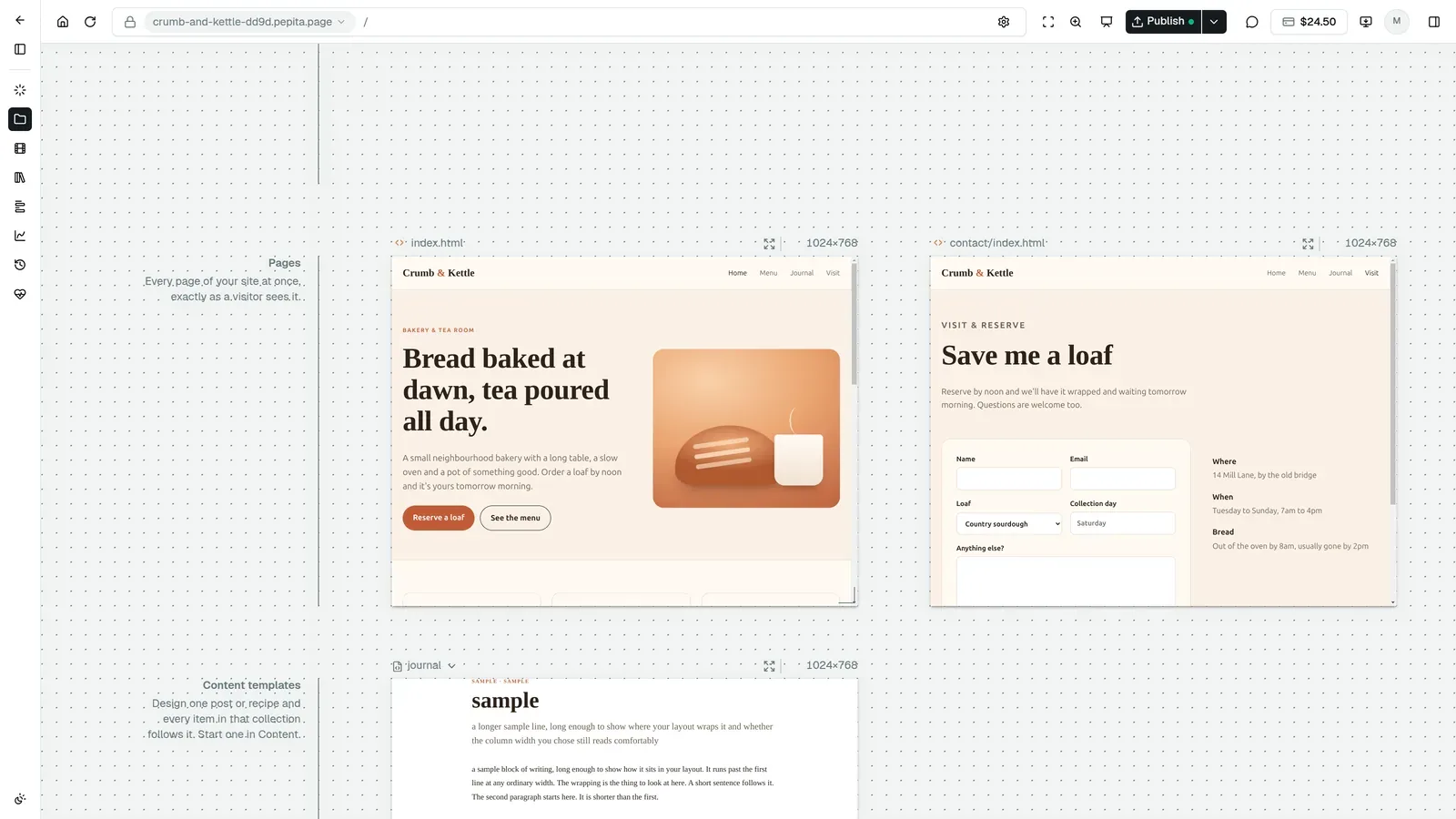
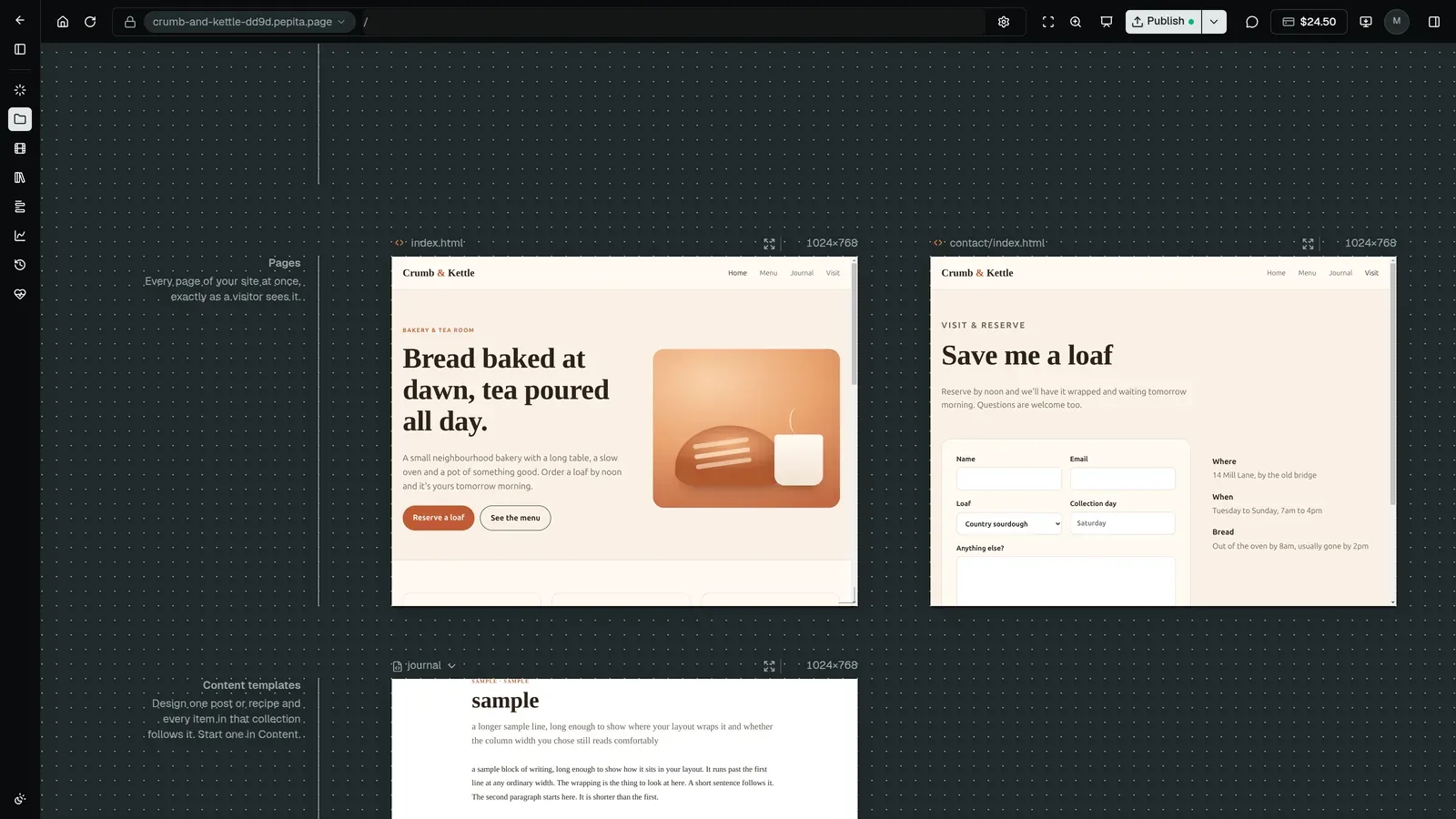
Each HTML file in your site is a live page on the canvas, not a picture of one. Forms, scripts, animations and links all work. When you, a teammate or the AI changes a file, the page updates in place.
The canvas shows your working copy, including changes you haven't published yet. Your visitors keep seeing the live site until you publish.
Moving around
Screen sizes
Switch between phone (390 × 740) and responsive. Type an exact size above any page, or drag its corner: dashed guides show common devices as you pass them. The size applies to every page at once, so you check the whole site on a phone in one look rather than page by page.
Present mode
Present shows your site full screen and clickable, exactly as a visitor would see it, including work you haven't published. It is the quickest way to walk a client or a colleague through a site without sending a link.
Screenshots and print
Right-click any page on the canvas:
- Screenshot captures what you see of the page.
- Full size screenshot captures the whole page from top to bottom.
- Print opens your browser's print dialog, where you can also save a PDF.
Screenshots are taken at 300 DPI, sharp enough for a pitch deck or a printed proof.