Editor
Code editor
Your pepita site is ordinary HTML, CSS and JavaScript files. You can open any of them and change a line, and the page on the canvas updates as you type.
Your site is files
Most website builders keep your site in their own database and their own format. pepita doesn't. There is no page-builder format, no framework and no build step. What you, your team and the AI edit is exactly what gets published, which means:
- Any developer can read and change your site without learning pepita.
- Any AI can edit it reliably, because it is the format AIs know best.
- You can download the files and host them anywhere.
The file tree
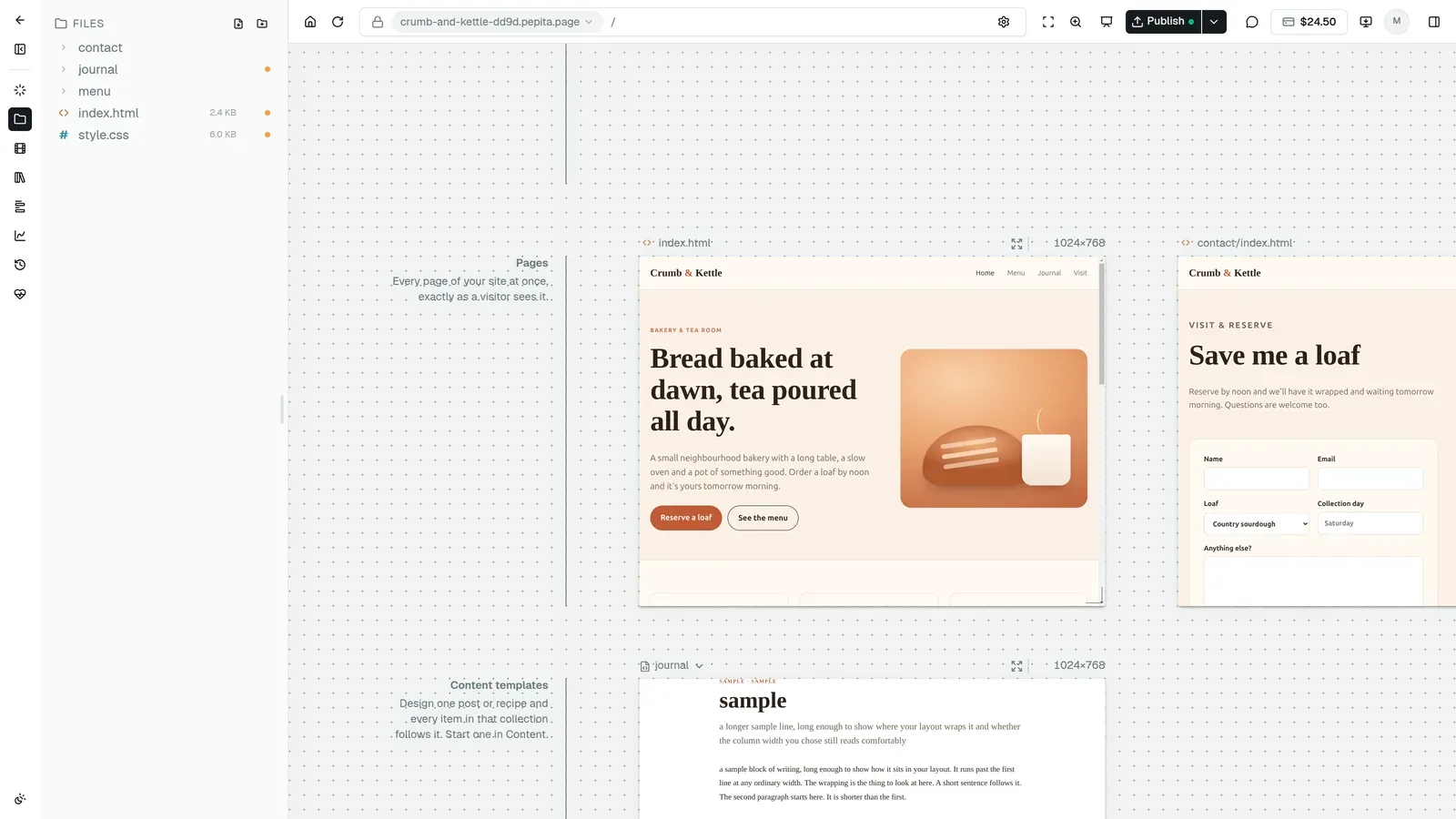
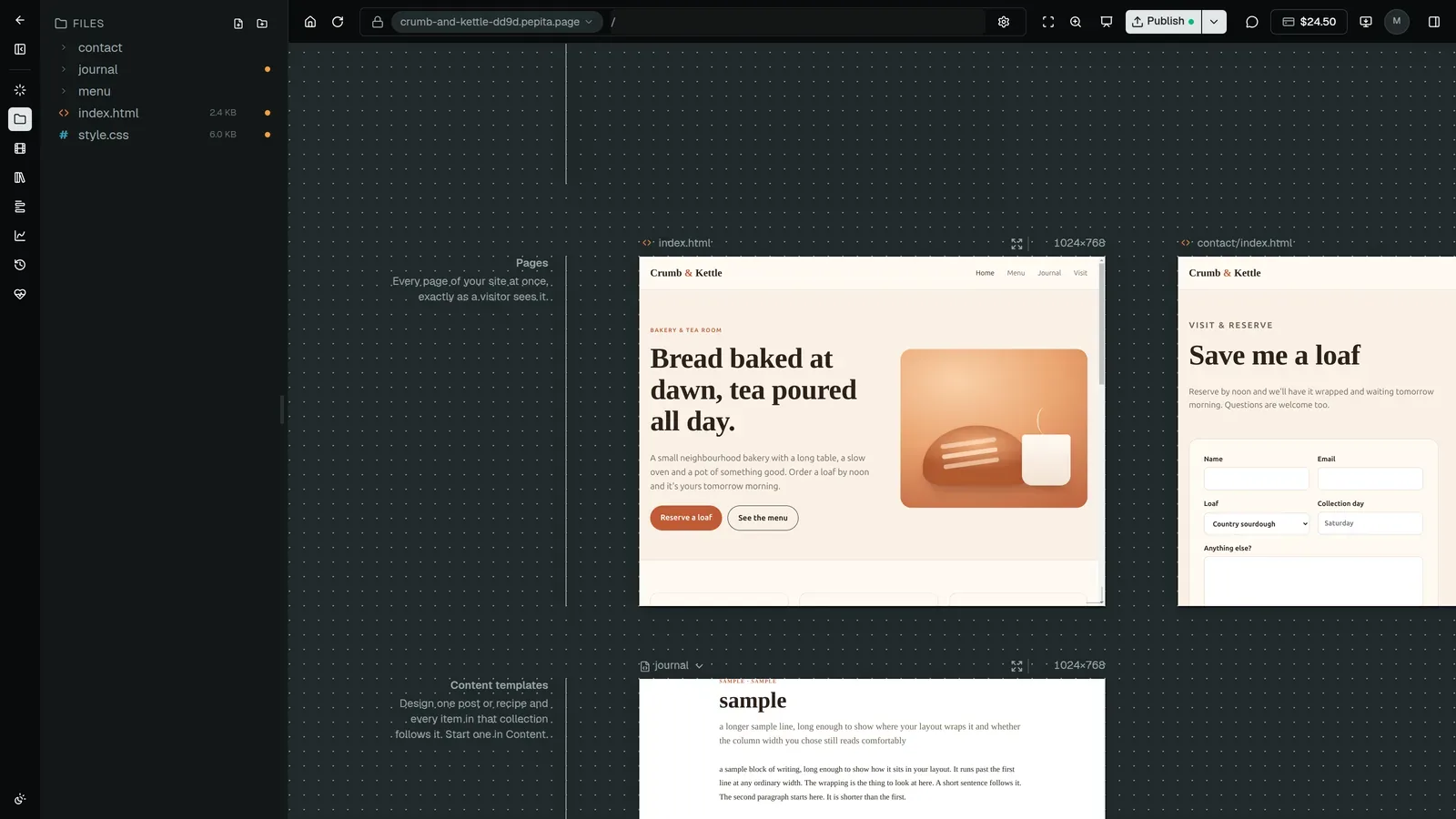
Open Files in the left rail to see every file in your site. Use New file and New folder, or drag files from your computer straight into the tree to upload images, fonts or documents.
A folder with an index.html becomes a clean address: about/index.html
is served at /about/.
Editing code
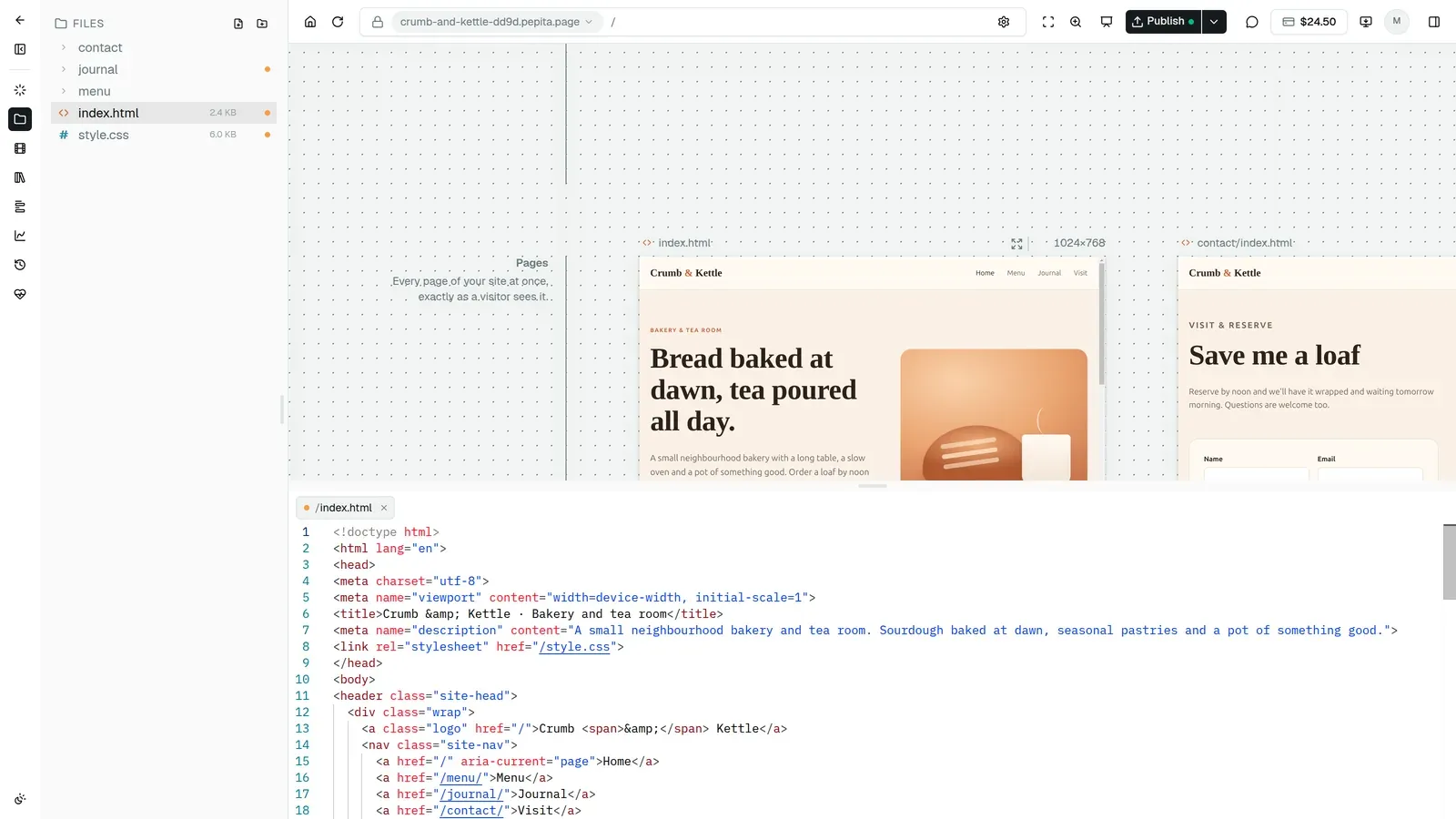
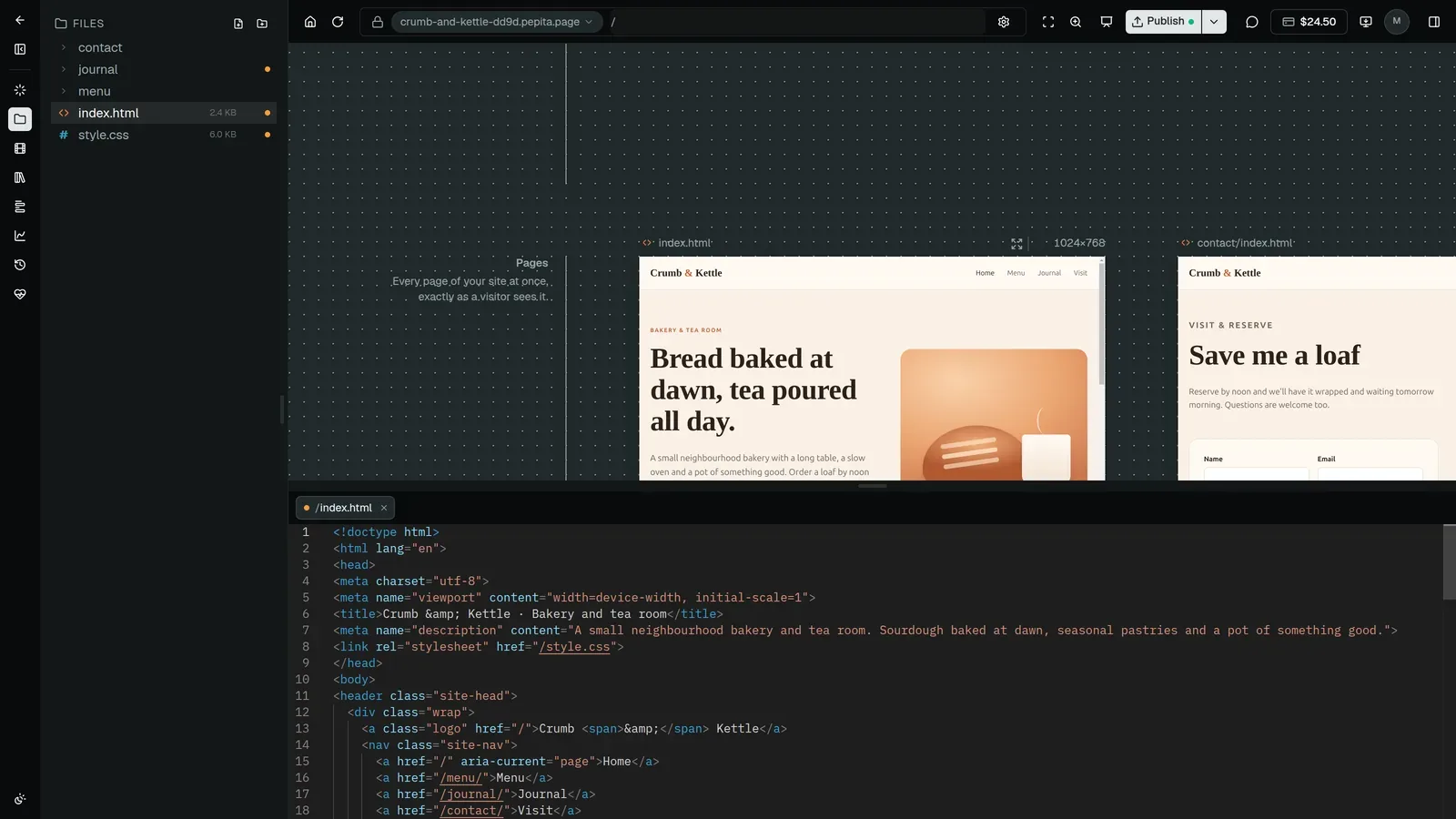
Double-click a file and the code editor opens under the canvas, with tabs for the files you have open. It pushes the preview up instead of covering it, so you see the page and its code at the same time. The editor highlights HTML, CSS and JavaScript as you type.
To find the code behind something on the page, use the element inspector: pin an element and its line is shown in the code editor.
No Save button
Every keystroke is stored on pepita's servers as you type. Close the tab, lose your connection or switch computers, and your work is still there. If the connection drops, an Offline badge appears in the top bar until you are back.
Seeing what changed
A coloured dot beside each file tells you how it differs from the live site:
- pricing/index.htmlnew
- index.htmlchanged
- old-page.htmldeleted
- style.cssas published
- Green: a new file that has never been published.
- Amber: changed since the last publish.
- Red, struck through: deleted, and still live until you publish.
Right-click a changed file and choose View difference to compare the live version with your working copy, line by line.
What pepita adds
Your source files are never rewritten. A few things are added on the way out, and it is worth knowing exactly which: