Built in
Forms
Put a form on your page and it starts collecting. There is no backend to build, no form service to sign up for and no script to add. Every submission lands in a table you can read in the app, from your AI, or in a spreadsheet.
How it works
1On your page
2In pepita
- Jane DoeDo you run weekend classes?live
- John DoeAny chance you sell the sauce?live
- TestChecking the form workspreview
3In their inbox
Add a form
The easiest way is to ask. Tell the AI in the app, or your own agent, something like "add a contact form with name, email and message", and it writes the form for you.
If you write it yourself, two things make a form work: it posts to
/__pepita/forms, and a hidden field called _form gives it a name.
Every other named field becomes a column in your submissions.
<form method="post" action="/__pepita/forms">
  <input type="hidden" name="_form" value="contact">
  <input name="name" required>
  <input name="email" type="email" required>
  <textarea name="message"></textarea>
  <button>Send</button>
</form>- Give each form its own
_formname, such ascontact,newsletterorbooking. Each name gets its own table. - Don't add hidden fields of your own whose names start with
_. pepita uses those names for its own fields. - The form needs no JavaScript, so it works in every browser. Forms that post JSON from a script work too.
Reading submissions
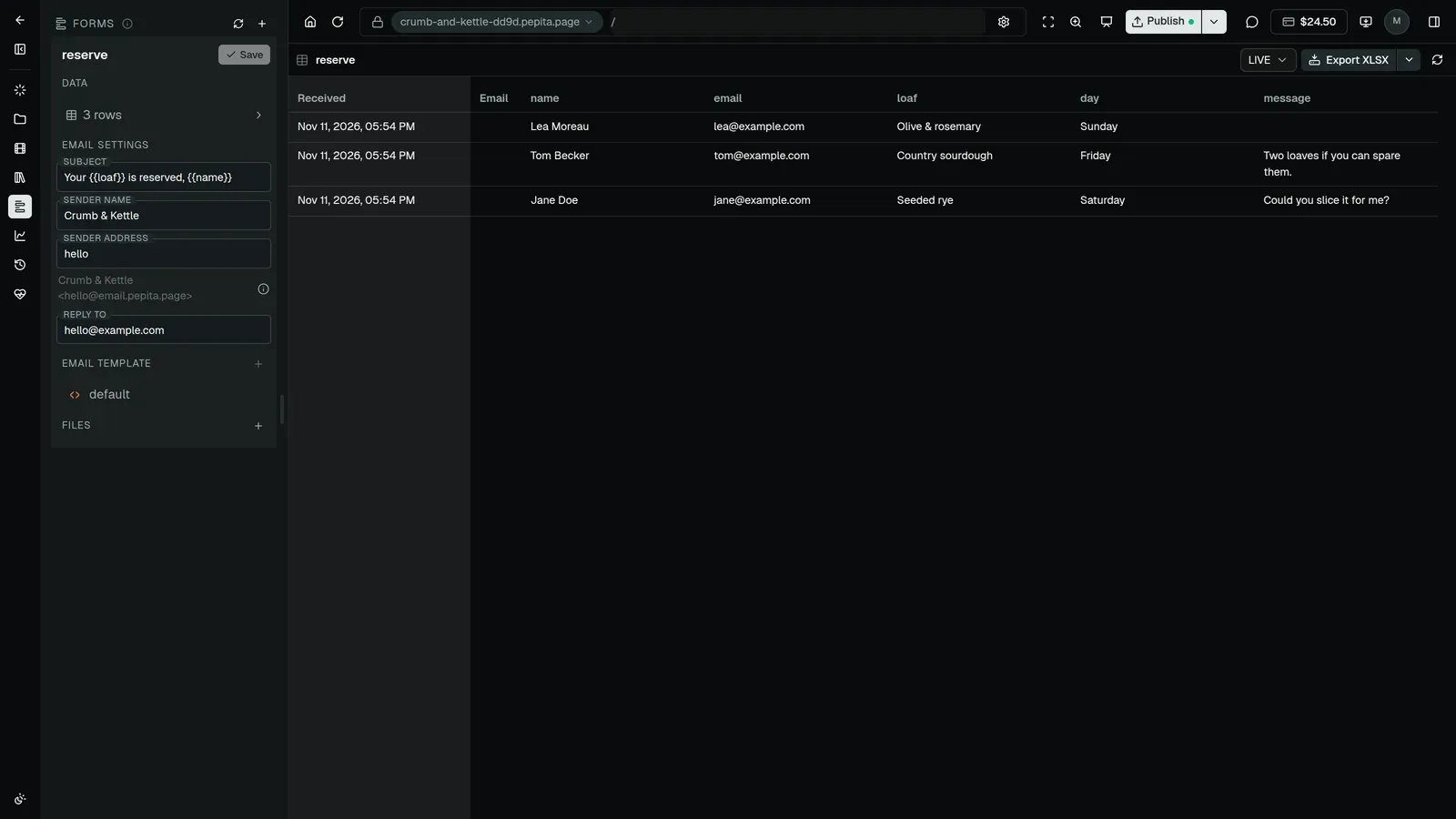
Open Forms in the editor's left bar, then the form's Data row. The table lists everything sent to that form, newest first.
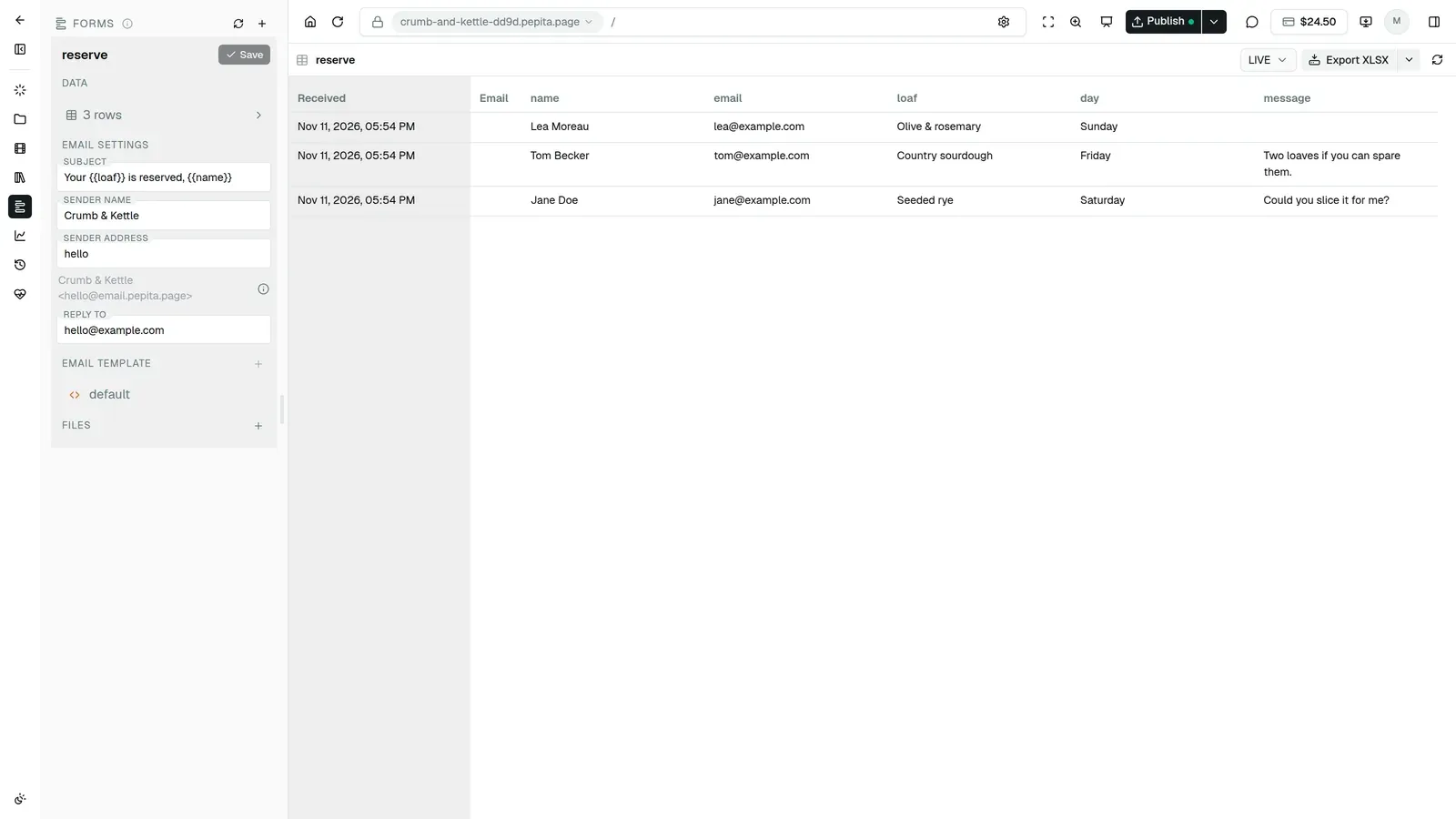
Spam protection
When your page is served, pepita adds two hidden fields to every form that posts to it: a honeypot that only bots fill in, and a signed token that proves the submission came from your page. Submissions that fail either check are dropped. You don't need a CAPTCHA, and your visitors never see any of it.
Email reports
Every member of the site's team gets a summary email for each hour in which at least one live submission arrived, with a count per form. When nothing new has come in, no email is sent, and tests from the editor or a preview link never trigger one.
After sending
By default the visitor sees a short thank-you page from pepita. To send them to your own
page instead, add a hidden _redirect field:
<input type="hidden" name="_redirect" value="/thanks/">To also email the visitor, add a confirmation email with the same name as the form.