Editor
Element inspector
Why is this heading so far from the image? Which rule makes that button blue? The inspector answers in one click, without opening your browser's developer tools.
Open the inspector
- Turn on Inspect at the top right of the editor.
- Point at anything on a page. It is outlined as you move.
- Click to pin it. The inspector panel opens on the right.
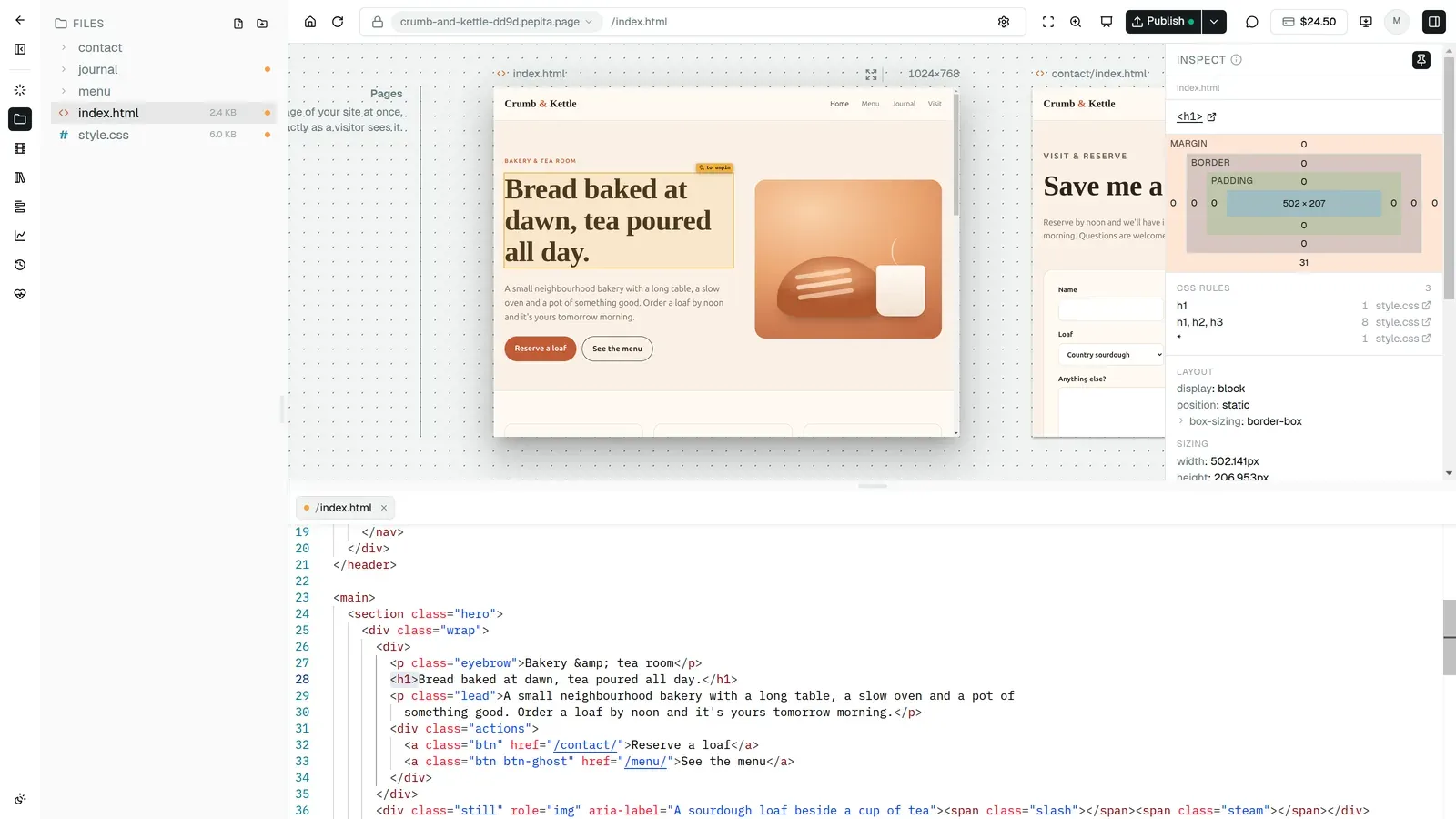
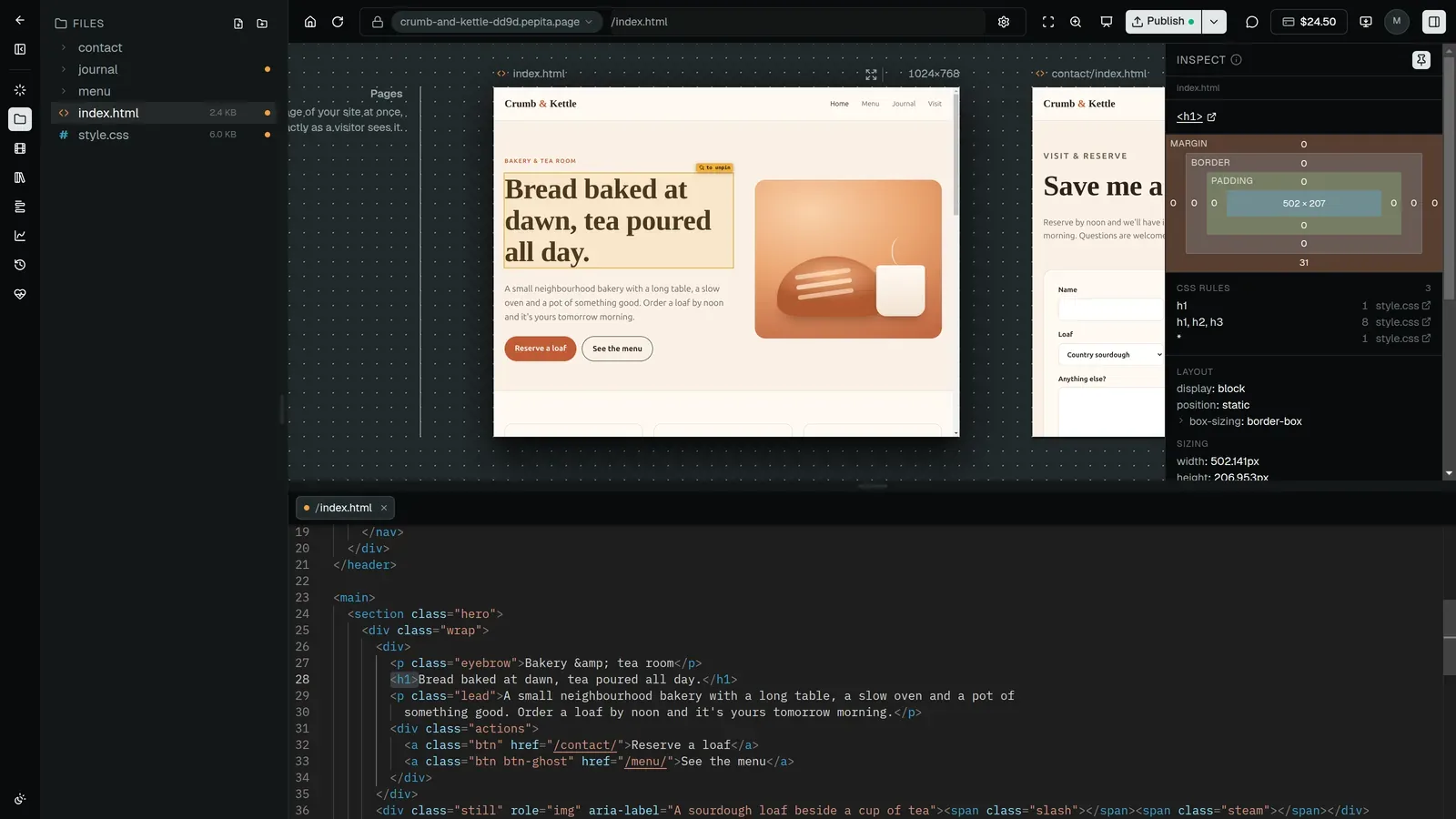
What it shows
TagThe element and the file it lives in, for example
<h2> in index.html.Box modelMargin, border, padding and size, drawn as nested boxes with the real numbers. The quickest way to see where space comes from.
CSS rulesEvery rule that applies to the element.
LayoutComputed properties such as
display, position and sizing, with the rule each value came from.CSS rules
Rules are listed strongest first, so the one at the top is the one that wins. Each rule names the stylesheet it comes from and links to it. Pinning an element also brings its line into view in the code editor, ready to change.
Using it with the AI
Found the element you want to change but would rather not edit CSS? Leave a comment on it and ask the AI. It sees exactly which element you mean.