Search & security
Site Health audit
One audit tells you how fast your site is, how well search engines and AI assistants can read it, how accessible it is and how well it is protected. Then it helps you fix what it found.
Run an audit
- Open Site Health in the editor's left rail.
- Click Run audit. It takes about a minute.
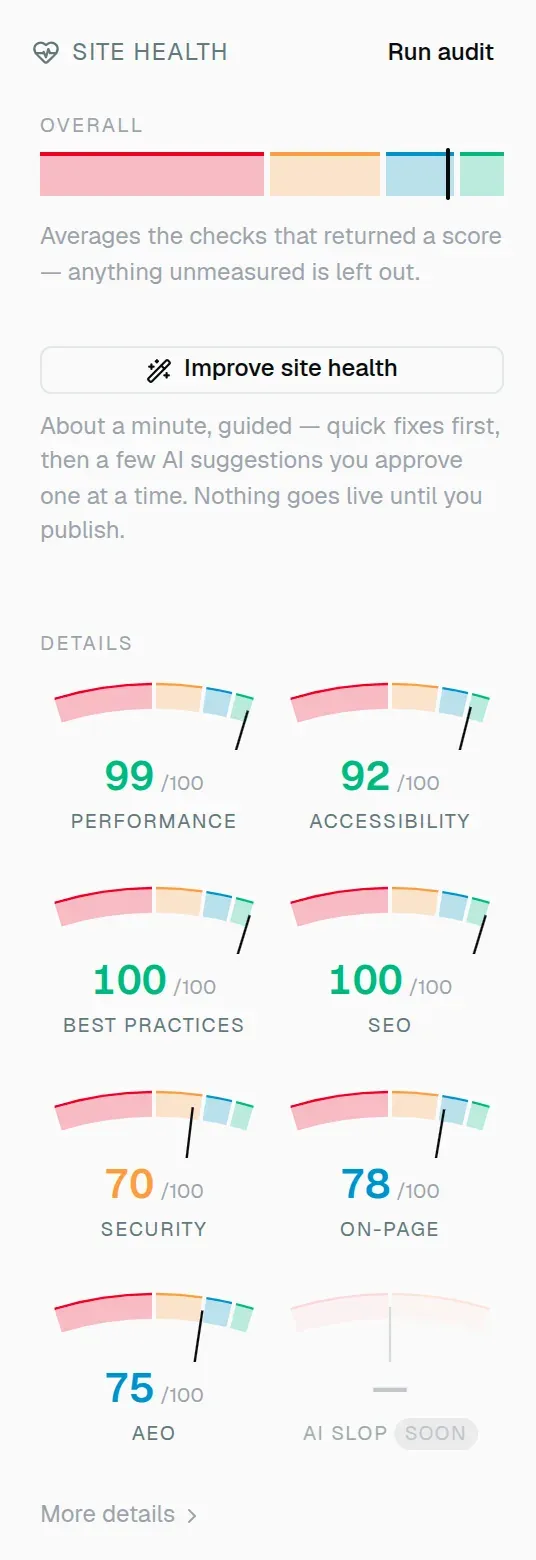
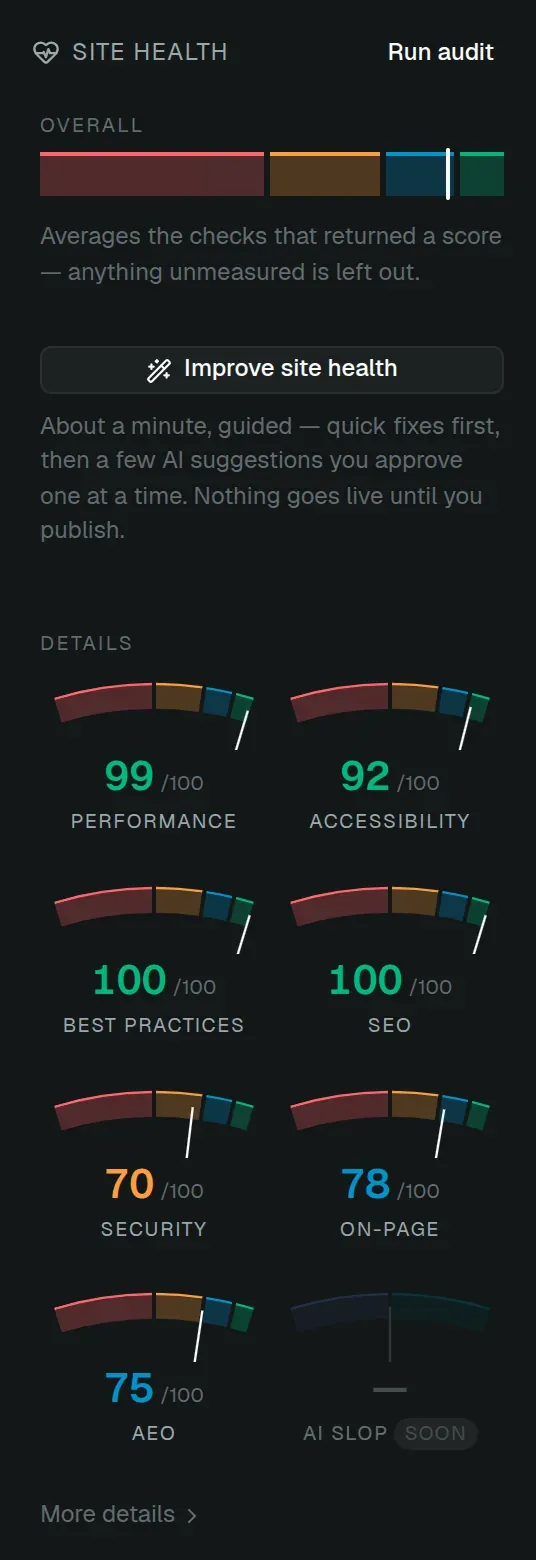
- Read the gauges. Each one is a score out of 100.
The audit checks your published site. Unpublished changes
aren't included. If you have some, pepita offers Publish & audit
or Audit live site.
The gauges
PerformanceHow quickly your pages load and become usable, measured by Google Lighthouse.
AccessibilityWhether people using screen readers, keyboards or zoom can use your site: contrast, labels, alt text, headings.
Best practicesModern web hygiene: HTTPS, no browser errors, safe links.
SEOLighthouse's search checks: titles, descriptions, crawlable links, a valid robots.txt. See SEO.
SecurityYour security headers, graded the way Mozilla Observatory does. See security headers.
On-pageThe basics on each page, such as titles, descriptions, headings and image alt text, checked by pepita itself.
AEOWhether AI assistants can reach, read and cite your site. See AEO.
Improve site health
Below the overall score, Improve site health walks you through fixes in about a minute:
- Quick fixes, no AI. A sitemap, a robots.txt, canonical links and a mobile viewport tag, where they are missing.
- Suggestions you approve one at a time. The AI drafts a meta description, meta robots, social preview tags (Open Graph) and structured data (JSON-LD). You Accept or Skip each one.
- A Content-Security-Policy. pepita records what your site loads while you click through it, and writes a policy that allows exactly that. See CSP.
Every fix is written into your working copy, so nothing goes live until you publish. The AI suggestions use a little of your balance.
Fixes edit your files directly. There is no automatic undo
for them. If you want a way back, make a preview link first,
or publish, so the current version is in history.
Reading the results
- Green is good, not perfect. A score above 90 is strong. Chasing the last few points rarely changes how a site performs in search.
- Performance moves between runs. Network conditions vary, so a few points either way is normal.
- Content still matters most. Nobody can promise a ranking. Site Health removes technical problems so your content gets a fair chance.