Account
Team and roles
Bring in a co-founder, a developer or the person who writes your blog. Admins can do everything; Content editors look after your content and nothing else.
Roles
| Can | Admin | Content editor |
|---|---|---|
| Add, edit, publish and delete collection items | Yes | Yes |
| Read and export form submissions | Yes | Yes |
| See analytics | Yes | Yes |
| Edit files, use the AI assistant and the inspector | Yes | No |
| Change collection layouts and email templates | Yes | No |
| Publish, make preview links, restore history | Yes | No |
| Upload videos, run Site Health, download the site | Yes | No |
| Change settings, domains and the team | Yes | No |
All Admins are equal: there is no separate owner role.
Invite people
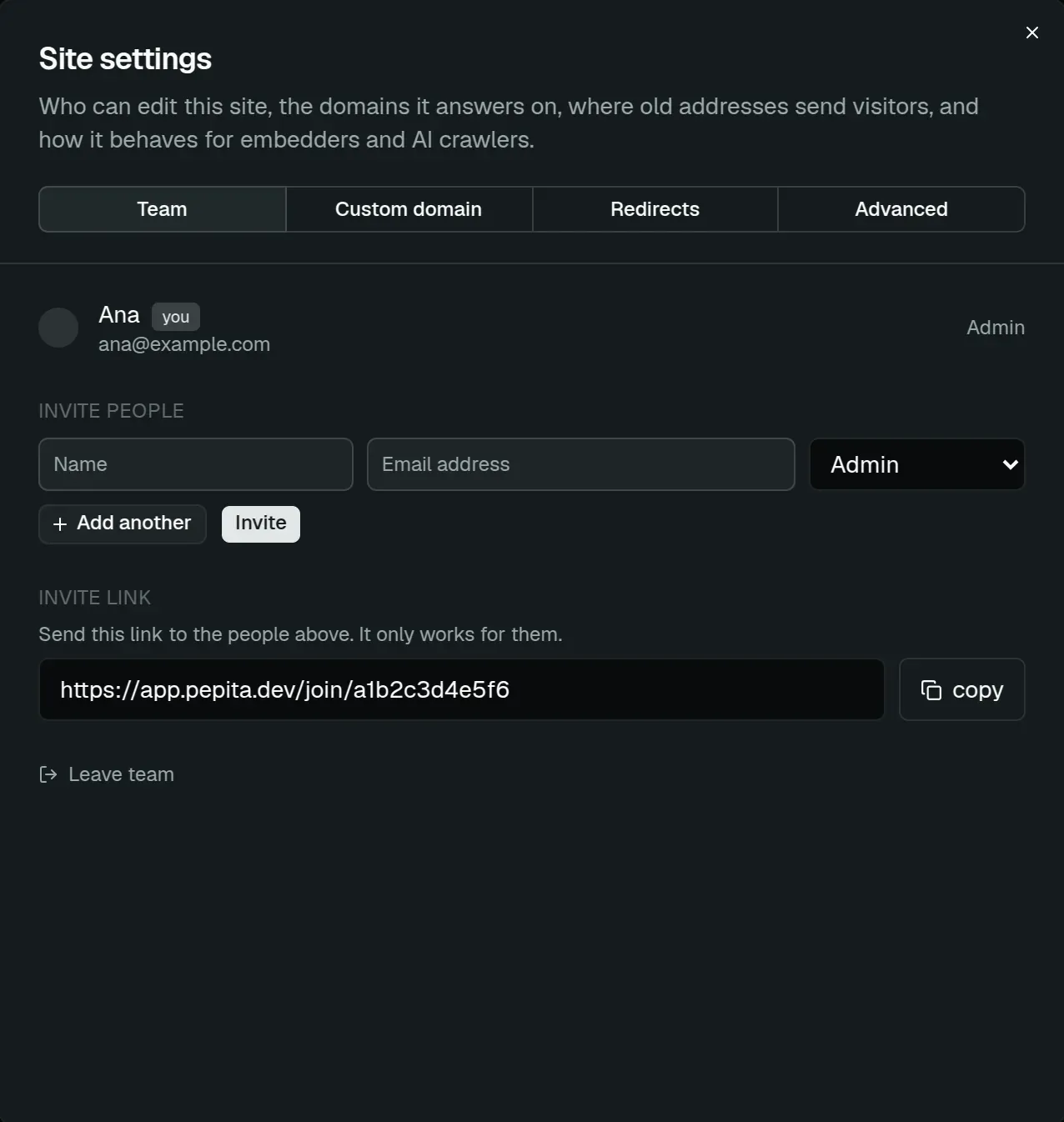
- Open Settings (the gear in the address bar) → Team.
- Under Invite people, enter each person's name, email address and role, and click Invite.
- Copy the Invite link and send it to them yourself.
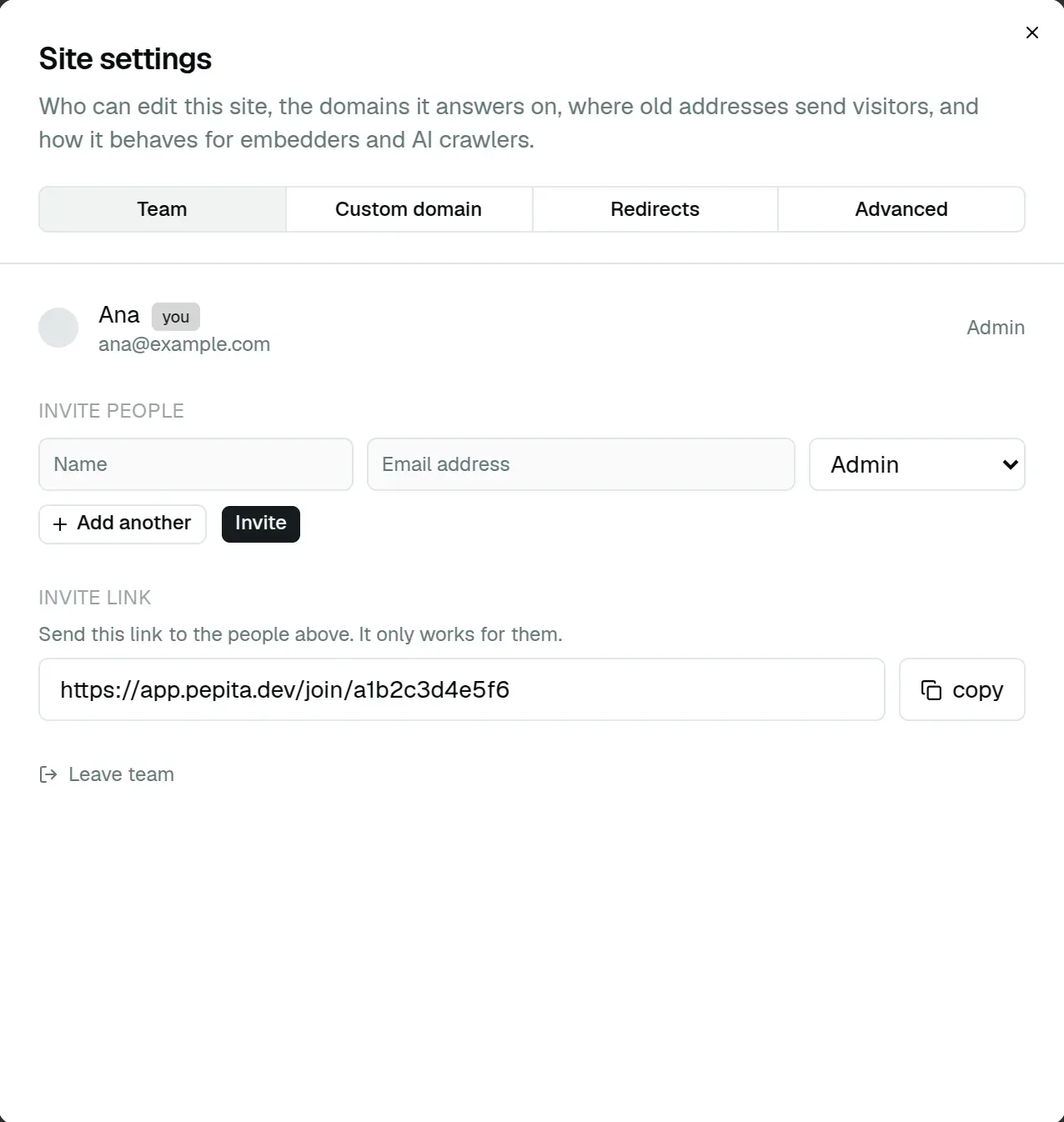
pepita doesn't email the invitation. You send the link, by
email, chat or however you like. It only works for the email addresses you invited, so
forwarding it to someone else doesn't let them in.
Leaving a site
Anyone can leave a site: Admins with Leave team in Settings, and Content editors with Leave site on their sites list.
If the last Admin leaves, the site is deleted. Make sure
someone else is an Admin first. A deleted site can be restored by
support within 30 days.
Limits
The free plan includes 3 team members per site, counting you and anyone invited but not yet joined. See pricing & limits.