Publish
Preview links
Want a second opinion before you go live? A preview link is a real web address showing your site as it is right now, without touching what your visitors see.
What a preview link is
A preview link freezes your working copy at the moment you make it and gives it its own
address, which looks like your-site--a1b2.pepita.page. Anyone with the link can
open it, on any device, without a pepita account. Keep editing afterwards: the preview stays
exactly as it was until you update it.
- simmer-wok--k3p9.pepita.pageNew menu, for Maria · 2 days agoCopy
- simmer-wok--x7qd.pepita.pageAutumn redesign · 5 days agoCopy
Make one
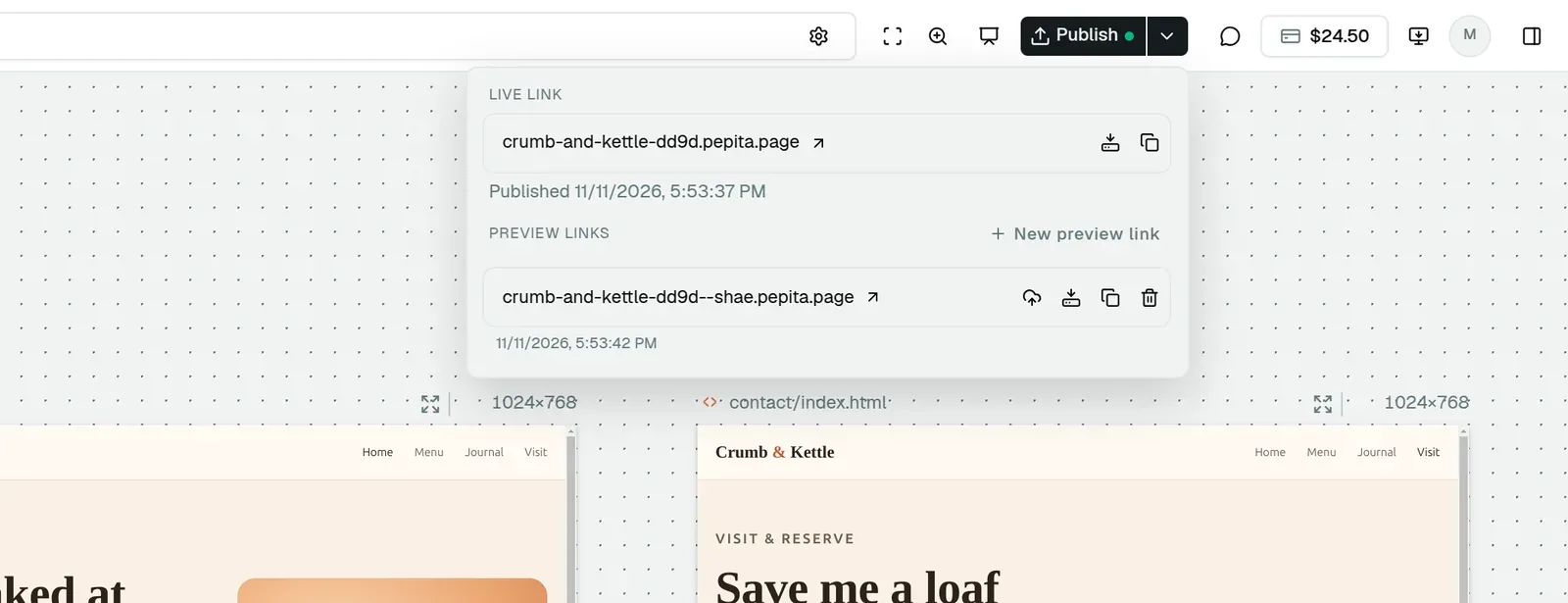
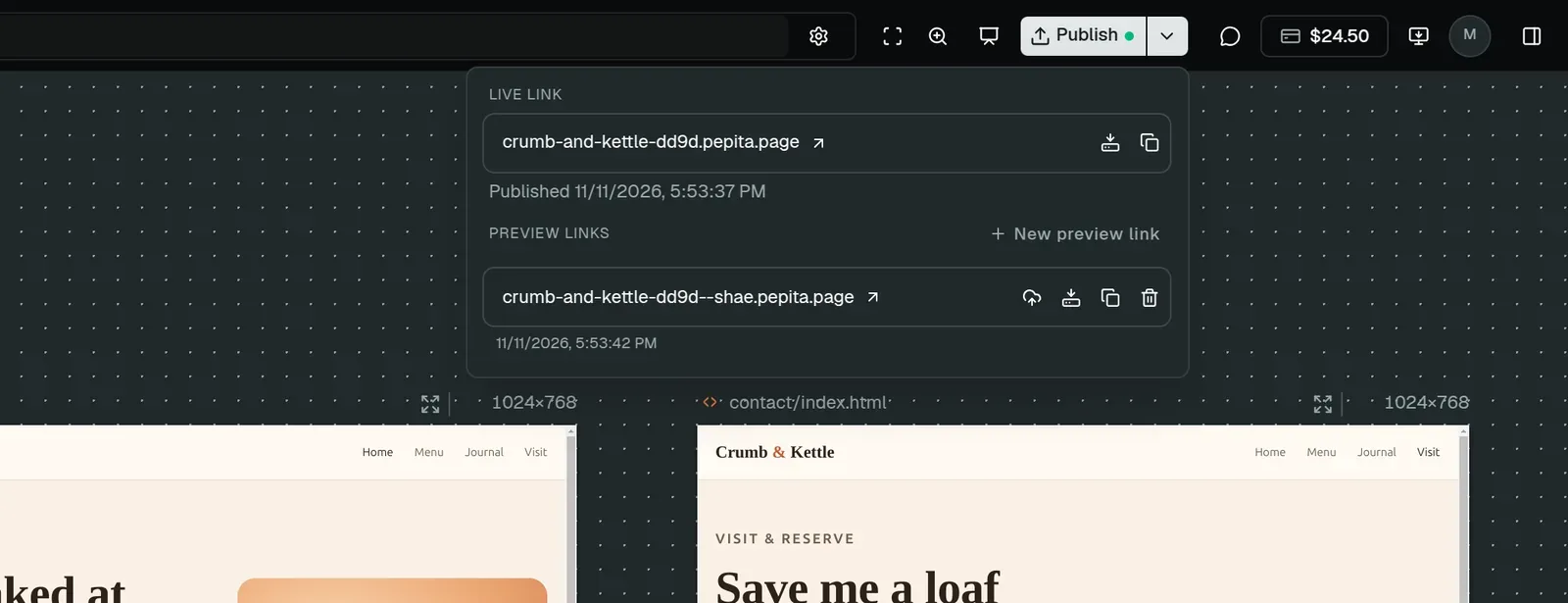
- Open the menu beside Publish in the top bar.
- Click New preview link. It is ready in a few seconds.
- Copy it and send it, or open it yourself on your phone.
Your AI assistant and your own agent can make one too: "make a preview link I can send to my co-founder".
Update or delete
Update to current puts your latest working copy on the same address, so the person you sent it to just reloads. Delete a link when you no longer need it. Every preview link is also kept in version history.
Testing on a preview
A preview behaves like the live site, which makes it the safe place to try things:
- Forms work, and their submissions are kept apart under the preview's name, so tests never mix with real enquiries. See forms.
- Redirects and headers, including a new Content-Security-Policy, apply exactly as they would when live.
- Collection items still in draft show on previews, so you can check a post before you make it live.
Limits
The free plan includes 3 preview links per site at a time. Delete one to make room for another. See pricing & limits.